
FLAGMAN Casino live betting odds and Cash Out during a match
FLAGMAN Casino live betting lists markets for matches already in progress, with a 1 PLN minimum for ordinary sports bets in the Polish profile. Sign in to watch events marked PLAY. Check My Bets for the accepted price after submitting, and use Cash Out there if the open bet shows an offer. The amount can change before confirmation.
By Rafał Nowakowski · Published


| Parameter | Value |
|---|---|
| Live events | Football and selected esports appear in the live line. The available events change as play progresses. |
| Market depth | In the second map of Sangal Esports vs Luminosity, the CS2 card showed +307 additional markets. |
| Video coverage | Sign in to watch an event marked PLAY. |
| Match centre and statistics | Check the score and stage on the event card. Open Live Match Tracker or use the statistics icon for event details. |
| Odds changes | The slip settings determine how odds or line changes are handled. Manual confirmation requires you to accept the updated selection. |
| Bet acceptance time | One Polish PLN coupon took 3.62 seconds from Place on an open market to an accepted entry in My Bets. |
| Acceptance record | Check My Bets for the accepted selection and odds. |
| Cash Out | Look for an offer on the open bet. A full settlement closes the bet, and a partial settlement leaves a share open if that option is available. |
| Cash Out availability | An offer can change or disappear when the price moves or the market is suspended. |
| Interrupted event | The Sports FAQ provides for a refund if the event fails to resume within 48 hours, with an exception for outcomes already decided. |
| Settlement query | Give Live Chat the bet ID and the event, market and odds in question. |
Pros
- The match centre shows the state of the event alongside the available markets.
- The PLAY badge shows which events have a broadcast.
- My Bets puts accepted bets and eligible Cash Out offers in the same place.
Cons
- A market suspension can stop the platform from accepting a bet.
- Signing in only unlocks broadcasts for events that carry the PLAY badge.
- An open bet may have no Cash Out offer, and the amount offered can change during confirmation.
Games at FLAGMAN Casino














Find the live event and read its markets
Open Sports, select Live and find the event you want to follow. You can also use Sports search with a team name. Open the event card and check its stage before reading prices. Live Match Tracker gives you the state of the event, and the statistics icon on the card opens more detail. On esports cards, the score within the current map and the score for the series can appear side by side.
The football card for Rostov vs Krylya Sovetov showed a 1–0 score at half-time and +346 additional markets. The Stake Ranked card for Sangal Esports vs Luminosity showed the second map and +307, alongside winner, total and handicap prices. The plus number counts additional markets on that card at that stage of play.
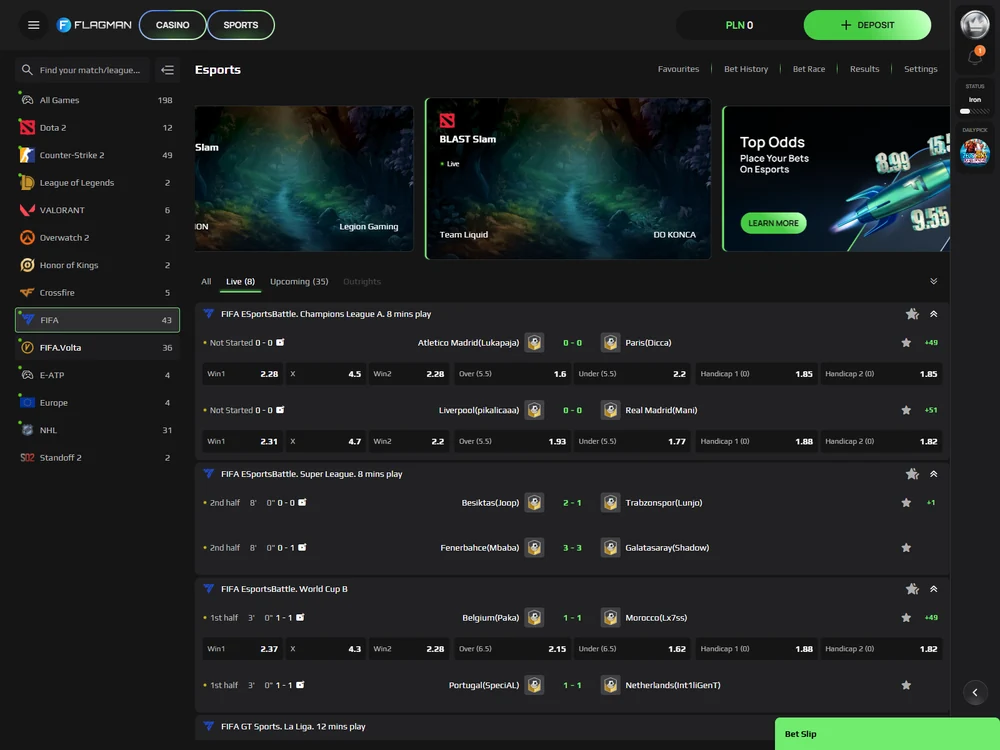
Read the market name, the period it covers and any threshold before you compare two prices. On the Sangal Esports card, the 3.5 total displayed Over at 1.41 and Under at 2.87. If the total line moves, check the threshold again because it determines which outcomes settle the bet.
Watch an event marked PLAY
Sign in and open the event marked PLAY to watch the broadcast. A match can have open betting markets and a working tracker without having a broadcast, so check the badge on the specific event you want to watch.
Confirm FLAGMAN Casino live betting odds before placing a bet
Check the new odds alongside the market and any total or handicap before deciding whether to proceed.
Price and line changes before confirmation
The odds in a live betting slip can update while you decide. The settings determine what happens when the price or the line changes. In manual mode, the slip presents the updated selection for confirmation.
In the first map of Team Liquid vs DO KONCA, the score still read 10–1 when Win1 moved from 1.24 to 1.22. Even with the same score on the event card, check the price again at confirmation and in the accepted entry.
Submit the slip and check My Bets
FLAGMAN Casino live betting uses My Bets as the record of acceptance. The Sports FAQ requires account verification to place sports bets. The ordinary sports minimum for the PLN profile is 1 PLN, and the platform sets the maximum for the wager. Follow the standard slip if you want to check the amount, the selection and the price together before you submit.
- Open the live event and select the outcome on the market you intend to use. Check whether the selection covers the match, a period or a map.
- Check the selection in the slip and enter your stake in PLN. Read the line and the decimal odds together.
- Select Place while the market is open. If manual confirmation appears for revised odds or a revised line, check the new terms before you confirm the submission.
- Open My Bets and check that the accepted entry shows the intended selection and the accepted price. Use that entry when you check the bet later or ask about settlement.
In one Polish PLN test, 3.62 seconds elapsed between pressing Place on an open market and seeing the accepted coupon in My Bets. If the price changes and the slip asks for confirmation, the relevant starting point is the confirmed submission. The interval describes that specific acceptance. A closed market cannot accept the submission.
With Quick Bet enabled in the slip settings, tapping a price submits the selection in one action without the usual manual slip entry. Check whether the mode is on before tapping a price to inspect it.
| What you see | What it means | What to check |
|---|---|---|
| The slip offers an updated price or line | The terms on screen have moved before acceptance. | Read both the updated selection and price before confirming. |
| The market closes before submission | The platform cannot accept a bet on that market while it is closed. | Check the slip and My Bets if you are unsure whether a submission already went through. |
| An accepted entry appears in My Bets | The platform has recorded the bet. | Use the accepted price and exact market on that entry. |
| The open bet shows Cash Out | Early settlement is available on the terms currently displayed. | Read the amount at confirmation and check whether the action is full or partial. |
| The open bet has no Cash Out offer | The platform is offering no early settlement for that bet at that point. | Keep the accepted entry and follow the bet's settlement. |
| A share remains open after partial settlement | That share is still exposed to the market outcome. | Check the remaining open share in the bet details. |
Check Cash Out on an open bet
Cash Out settles an open sports bet early when the Sports Platform shows an offer. You cannot cancel an accepted bet. The amount depends on current odds and can change as the market moves. If the market is suspended or the price is updated, the offer may disappear. The current terms for a live bet Cash Out at FLAGMAN Casino are in the details of the individual bet.
- Open My Bets and select the open bet you want to check.
- Look for Cash Out in the details. If the platform shows an offer, read the displayed amount and check whether the available action covers the entire bet or just a share.
- Check the amount again on confirmation. If it has changed, decide using the amount you see there.
- After confirming, check the bet details for the result and any share still open.
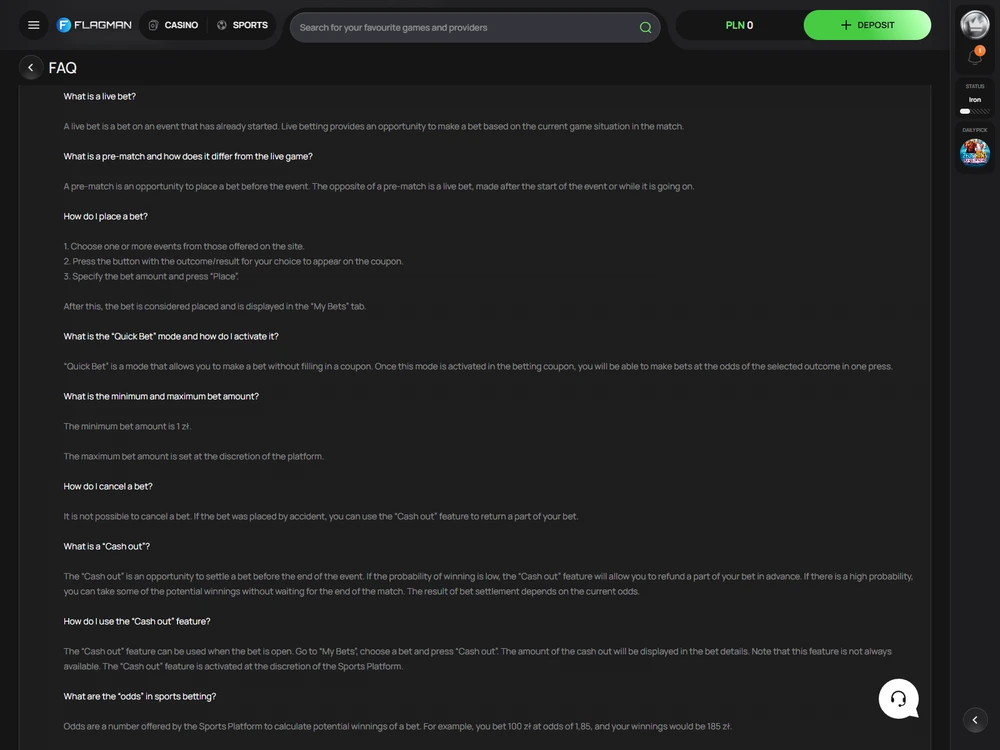
In a separate test on an open sports bet, the offer changed from 10.70 PLN to 10.45 PLN at confirmation, a drop of 0.25 PLN.
Once a full Cash Out is accepted, the bet closes. A later winning result does not produce a second payment on that same bet. With a partial Cash Out, where offered, the settled share closes and the remainder stays open under the original market. Check the remaining share in My Bets if you need to know what can still be won or lost.
Check settlement when play stops
Open the accepted entry in My Bets and start with the market named on it. Ordinary settlement follows publication of the sporting result by official media sources. The Sports FAQ allows a refund when an interrupted or rescheduled event fails to resume within 48 hours. Outcomes already clearly decided when play stopped are the exception. A refunded selection is settled at odds of 1.00, which returns the stake on that selection.
For a settlement you think is wrong, give Live Chat the bet ID, event, market and odds used. Include the specific point you want checked, such as the period covered by the selection. The support team checks the calculation. A formal dispute follows the operator’s terms.
Use the event card to follow play and the accepted entry in My Bets for a price or settlement question. For bets before an event starts, see Sports and Pre-Match Betting. The esports betting guide explains the distinction between map and series markets.
Frequently asked questions
Can I bet on a live match with no PLAY badge?
You can place a bet if the live market is open and your account is eligible to bet. PLAY marks the availability of a broadcast. Use Live Match Tracker or the event statistics to follow a match that has no broadcast.
Where can I check which odds the platform accepted?
Open My Bets and check the odds on the accepted entry for that selection. If the slip requests manual confirmation after an update, check the revised price and line before confirming.
Why did the Cash Out amount change while I was confirming it?
The platform prices the offer against current odds. A market move can change the amount or remove the offer. Check the amount shown at confirmation before you decide.
What happens to the rest of a bet after partial Cash Out?
The settled share is closed and the remainder stays open under the market on the original bet. Availability depends on the coupon. Check its details in My Bets for the share still open.
Does an interruption automatically refund a live bet?
The Sports FAQ provides for a refund when the event fails to resume within 48 hours. If the outcome of your market was already clearly decided when play stopped, the selection can still be settled on that outcome.